A
Get the data FREE
Fill in the form to receive the 3D data
Go to the formGAZE–DRIVEN ASSISTIVE DEVICE
A gaze-controlled assistive device. Build, fix and improve it yourself with a 3D printer.
GOOD DESIGN AWARD 2025WinnerDeveloped by the National Rehabilitation Center for Persons with Disabilities × otuA Inc.
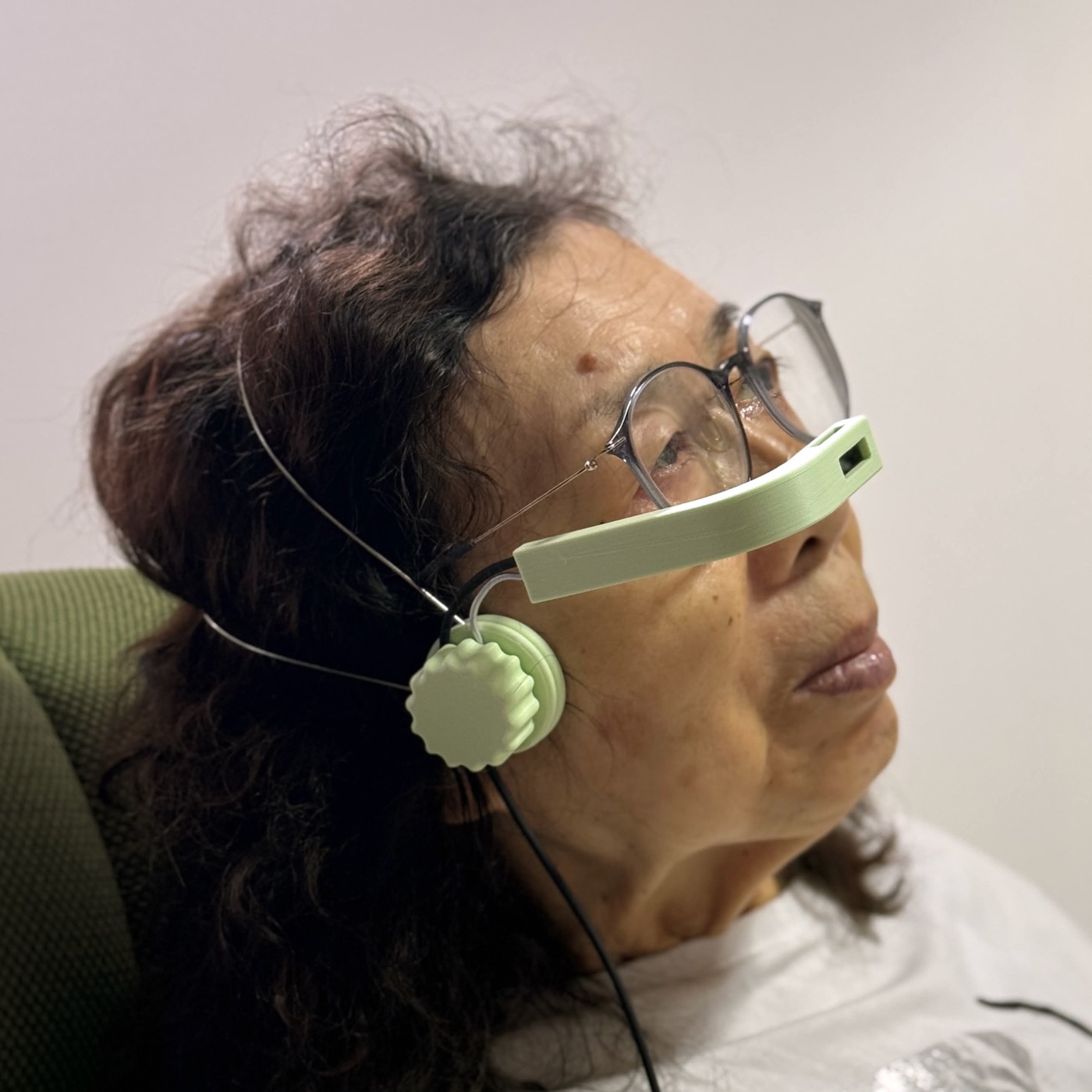
Make it yourself with a home 3D printer and off-the-shelf parts — no expertise needed.
Manufacturing guide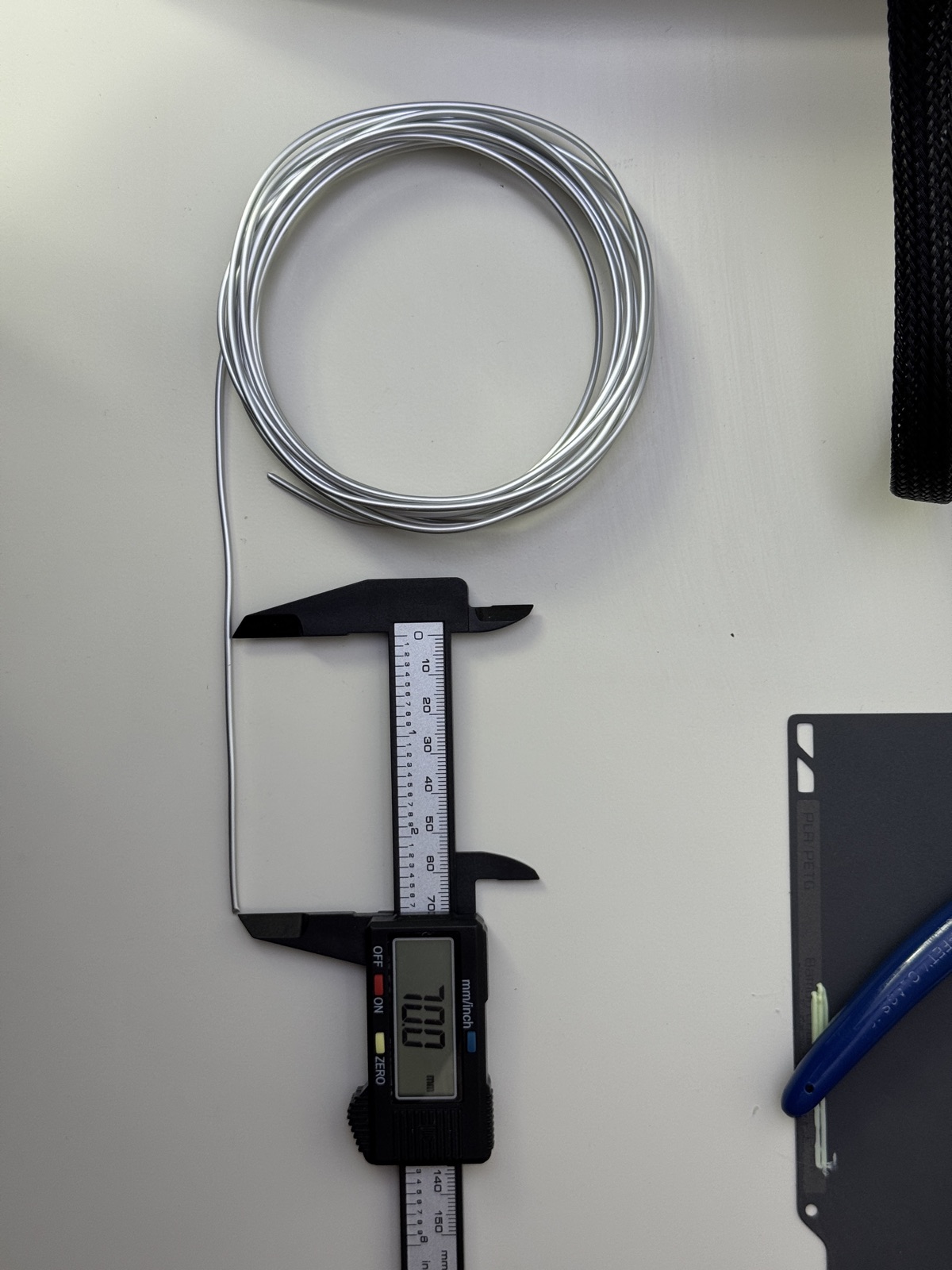
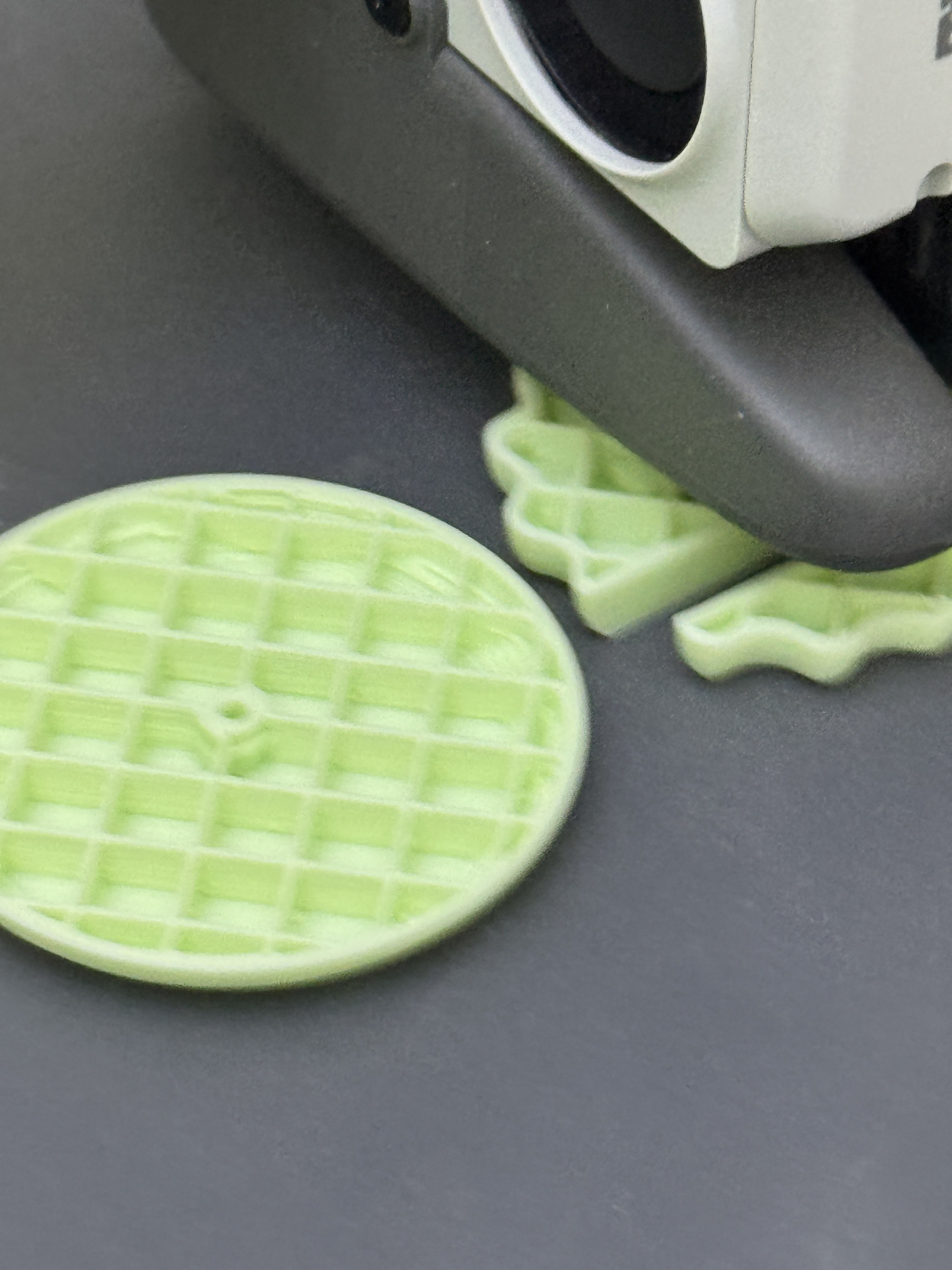
Broken a part? Print just that part and swap it. Repair it yourself and keep using it.
How to use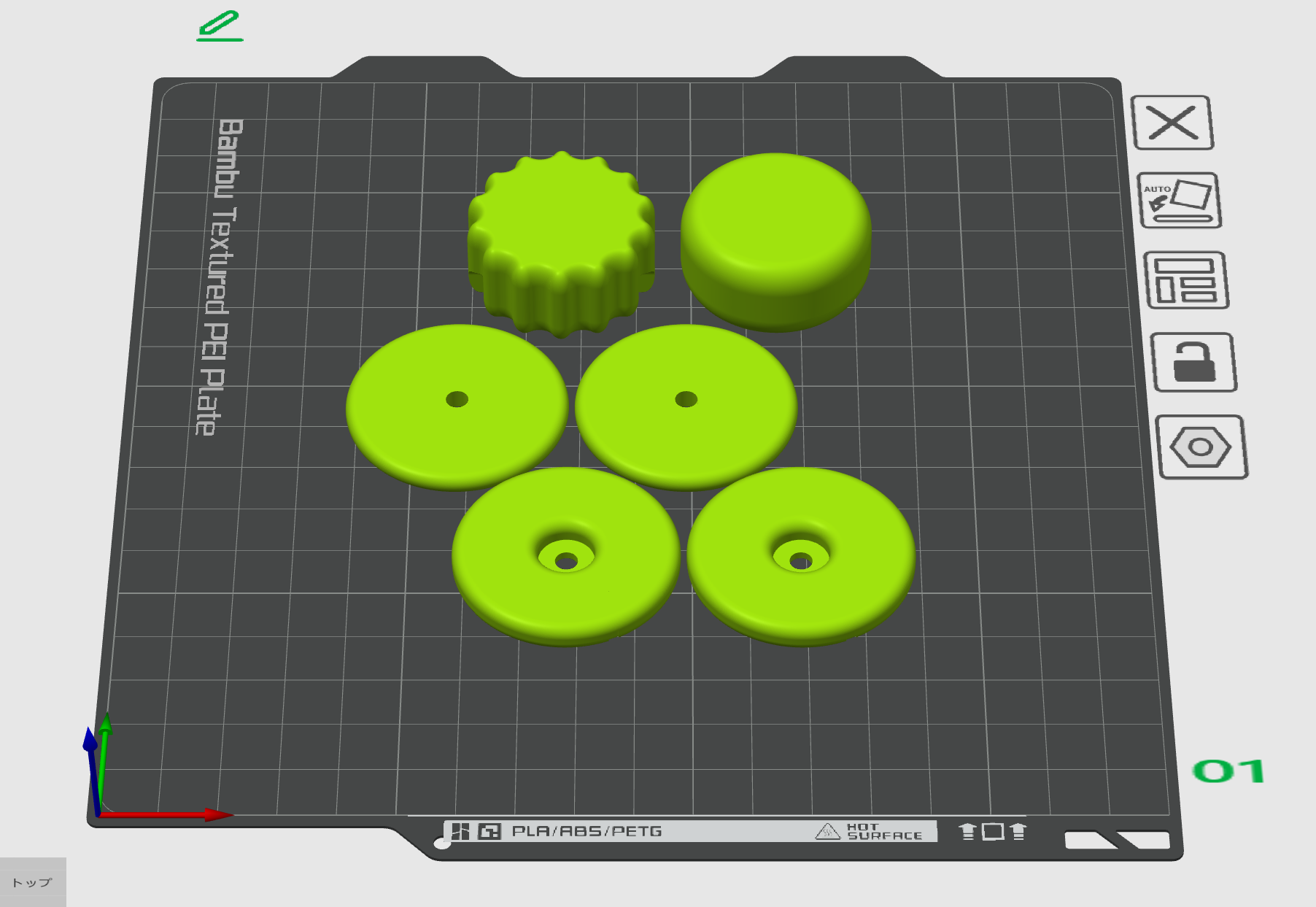
Open design data — adapt and improve it freely for each person's body and needs.
Get the dataGOOD DESIGN AWARD 2025
Winner of the 2025 Good Design Award, Japan (Health / Beauty).
Valued for turning an assistive device into open-source hardware anyone can build, repair and improve — lowering the barriers of cost and availability.
— Summary of the jury's evaluation, 2025 Good Design Award. Full text →
MANUFACTURING
Print on a home 3D printer and assemble a few parts.
Remove the support material after printing
Assemble the parts with a screwdriver
Connect to a PC and check the operation
HOW TO USE
Fit, calibrate, operate — four basic steps.
Fit the device to the user's face
Set up eye movement in the calibration software
Launch a supported app and control it by gaze
For printing and assembly, see the manufacturing guide
GET STARTED
Two ways: the 3D data to make it yourself, or a ready-assembled product.
Fill in the form to receive the 3D data
Go to the formBuy a ready-assembled product
Open the Booth page →